Cleans up as it goes.
Drops the ums, ers and repeated words, then adds the punctuation you'd have typed.
Murmur turns what you say into clean, punctuated text and pastes it wherever you're typing. Dictation happens on your Mac, with no account and no cloud. After a one-time model download, it works offline.
um so can you grab oat milk, er, eggs and the the sourdough from the place on the corner. Murmur tidies this to: Can you grab oat milk, eggs and the sourdough from the place on the corner?
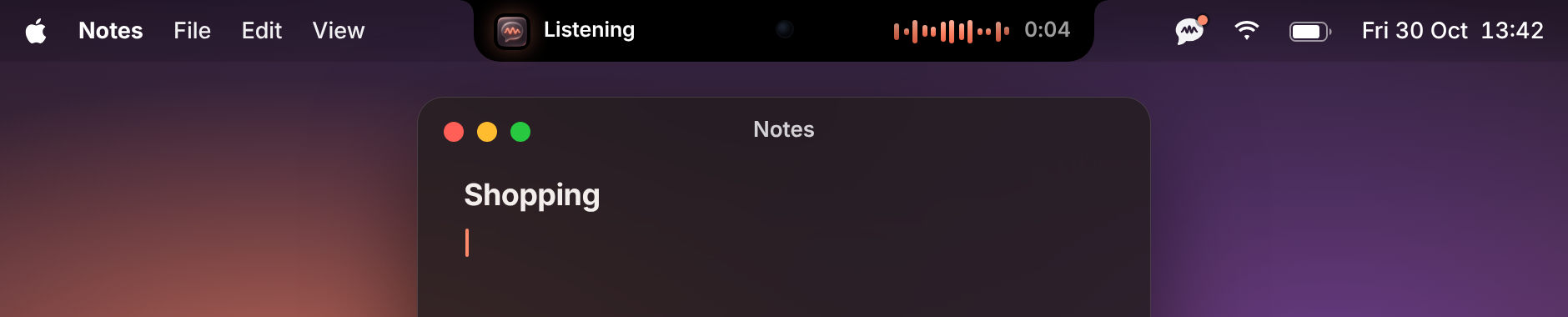
No app to switch to, no window to open. Murmur waits in the notch until you need it.
Press and hold the fn key, wherever your cursor is.
Talk the way you normally would. The notch shows it's listening.
Murmur drops the ums, adds punctuation and pastes the text where you were typing.
Speech recognition and clean-up run on your Mac. Once the models are downloaded, dictation works offline.
Download it and start talking.
Dictation runs locally on your Mac.
After a one-time model download.
Uses the Neural Engine and GPU your Mac already has.
Drops the ums, ers and repeated words, then adds the punctuation you'd have typed.
A quiet pill at the top of your screen shows when it’s listening, and nothing else.
Email, chat, docs, code: if there's a cursor, Murmur can fill it.
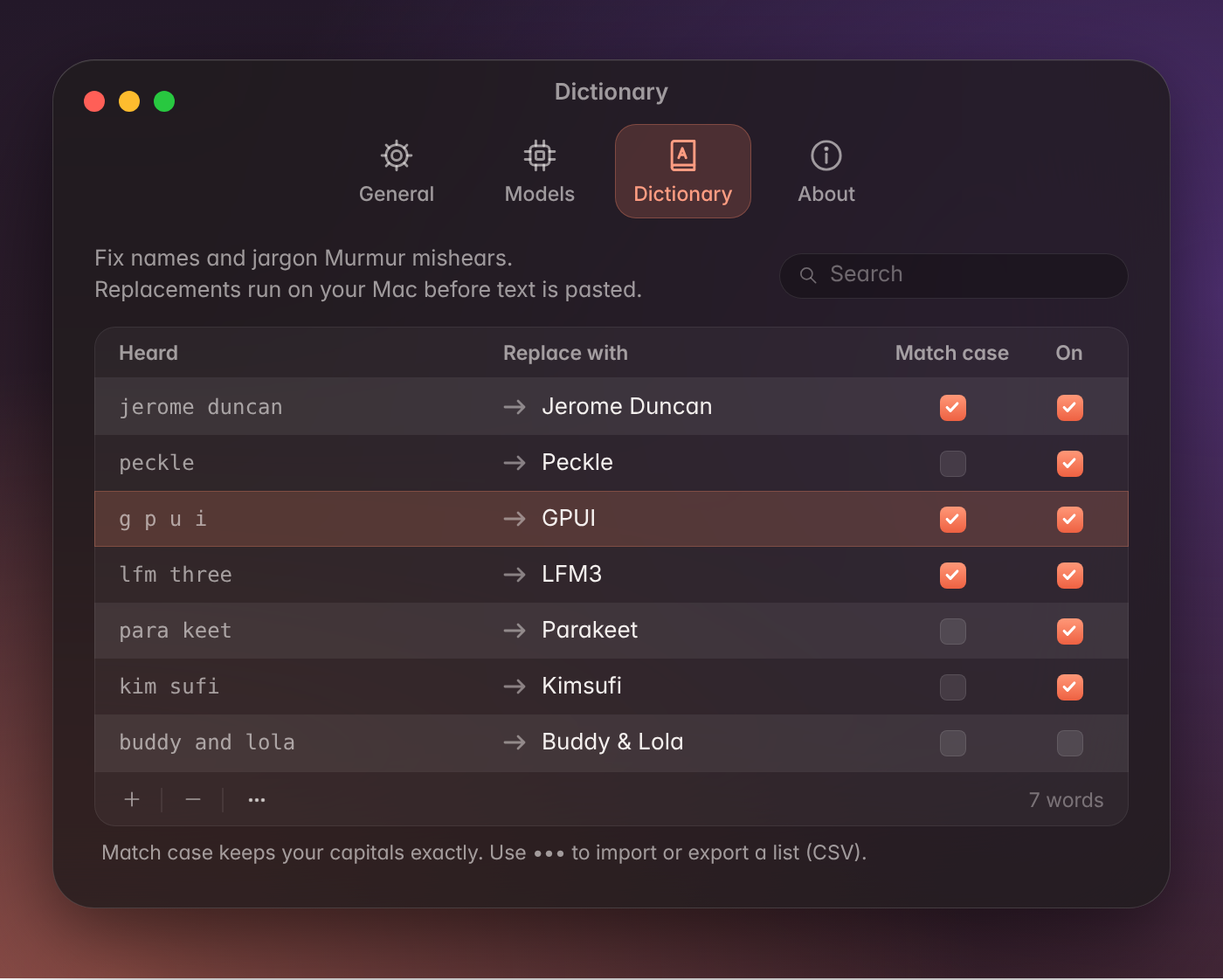
Add names and jargon to the Dictionary and they come out right.
Dictation works without a connection after the models are downloaded.
Add words a normal dictionary doesn't know, like people, products and acronyms, so Murmur can spell them your way.
Your Dictionary is stored on your Mac, like everything else.
Murmur pastes into the app you're already using, so there's nothing new to learn.
Works in most apps that accept pasted text. Some secure fields, like password boxes, block pasting by design.
Speech recognition and clean-up run on your Mac. Once the models are downloaded, you don't need an internet connection to dictate.
Macs with Apple Silicon (M1 or later) running macOS 26 or later. Intel Macs aren't supported.
Yes. After the one-time model download, dictation works without a connection.
Most apps where you can type and paste: email, chat, docs, code editors, browsers and so on. Some secure fields, like password boxes, block pasting.
The default Parakeet v3 model supports 25 European languages. The optional Parakeet v2 model supports English.
Yes. Choose a different dictation shortcut during setup or in Settings.
Microphone, Accessibility and Input Monitoring access. Murmur explains each permission during setup.
The default speech model is about 460 MB and the clean-up model is about 1.1 GB.
It removes filler words like "um" and "er", fixes repeated words and adds punctuation and capitals. It doesn't rewrite what you meant.
Murmur is made by Bonus Objective.
